
Advancing Real-Time Security Monitoring with AI Vision
Advancing Real-Time Security Monitoring with AI Vision
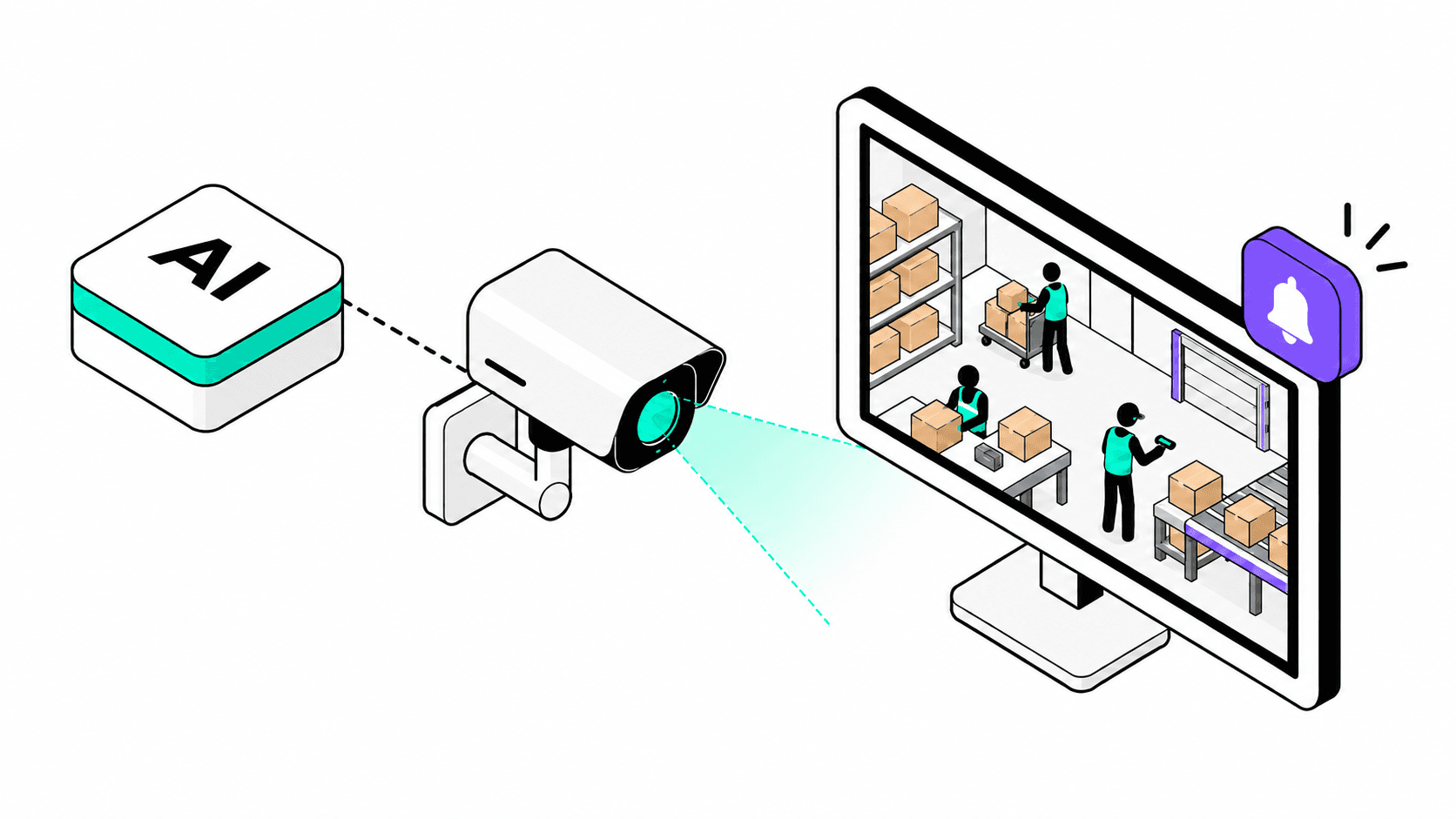
AI vision supports real-time security monitoring by analyzing camera feeds, detecting defined events, and alerting the people responsible for checking them. Suitable systems can flag activity such as a person crossing a restricted boundary, helping teams focus their attention rather than relying solely on manual CCTV monitoring.
For Philippine and US businesses, the starting point should be a security problem, not a camera upgrade. Which events require attention? Who responds? What information do they need?
Our recommendation is to begin with one clearly defined use case, test it under actual operating conditions, and expand only when the alerts and response process prove useful.
Key Takeaways
- Start with a specific event, location, and response owner.
- Evaluate useful alerts, missed events, and response times rather than a headline accuracy percentage.
- Include human verification, privacy safeguards, and outage procedures before expanding deployment.
How AI Vision Improves Real-Time Security Monitoring
AI vision uses artificial intelligence to interpret images or video. In physical security, AI video analytics can classify people and vehicles and identify when they enter an area, cross a virtual boundary, or remain somewhere beyond a configured duration. Available functions depend on the solution.
Basic motion detection identifies movement; object-based analytics can distinguish selected categories, such as people or vehicles. That distinction supports more specific monitoring rules. Object classification alone, however, does not establish someone's identity, authorization, or intent.
An intelligent video surveillance system should follow a clear operating model:
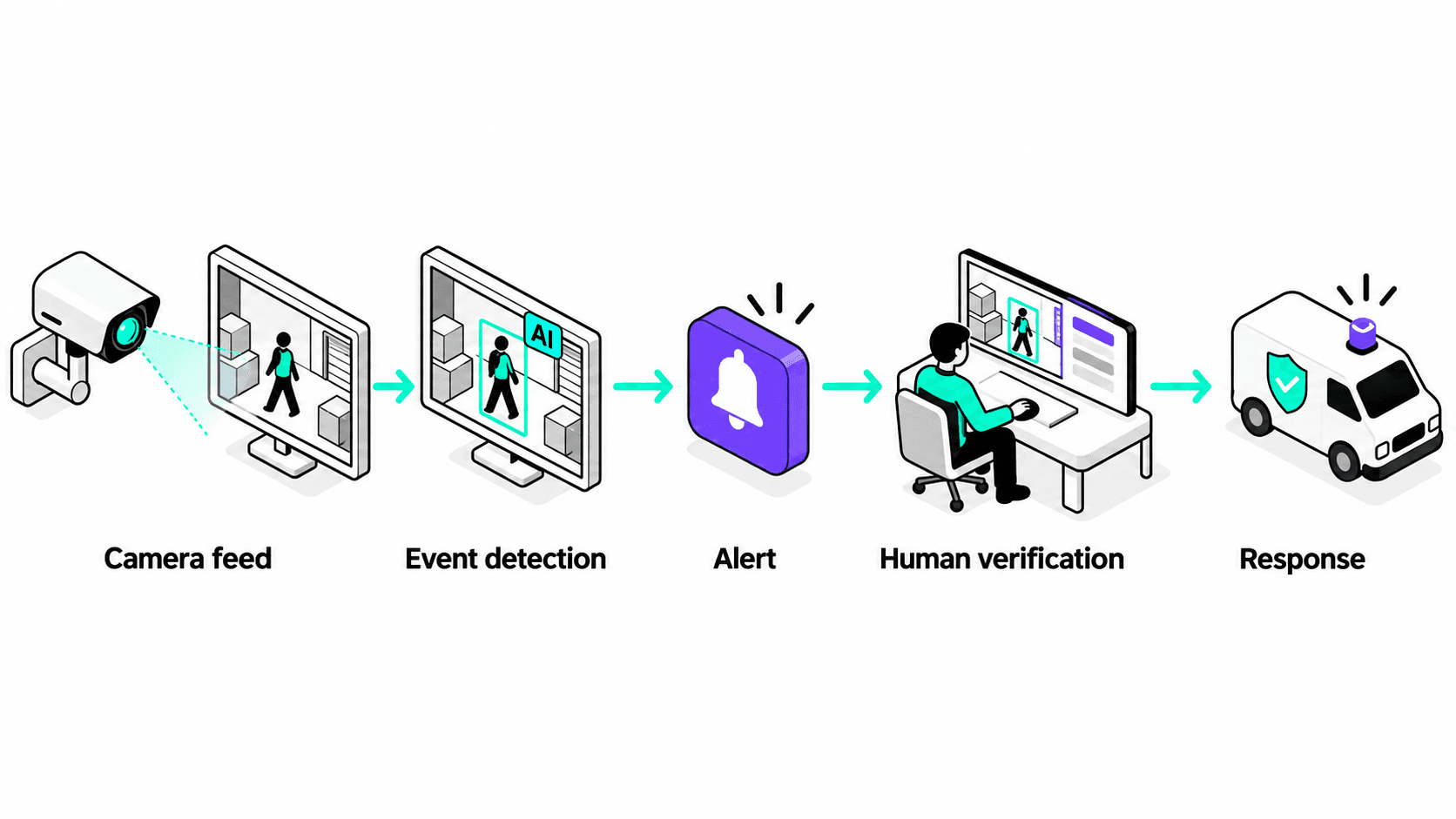
Define "real-time" through an operational requirement with the acceptable delay between an event and a usable notification. Measure that entire journey, not just how quickly the AI processes an image.
Illustrative Business Applications
A Philippine warehouse could pilot an alert for someone entering a loading area after closing. The responder would check the footage and delivery schedule before treating the event as unauthorized access.
A US retail chain could test person-detection alerts at staff-only receiving entrances. Evaluate each location separately rather than assuming identical performance across different layouts.
Common Risks: False Alerts, Missed Events, and Overreach
A false positive flags an event that does not meet the intended detection condition. A false negative misses an event that does. Poor lighting, obstructed views, camera positioning, and weather can affect video analytics performance.
Avoid vague rules such as "detect suspicious people." Define observable events instead: a boundary crossing, an occupied zone, or a vehicle remaining beyond a specified time.
A Practical Framework for Adopting AI Vision
1. Define the Event and Required Response
Specify the camera, area, schedule, authorized exceptions, and required action. Compare the proposed approach with simpler controls, such as better lighting, access restrictions, or a door sensor. Use AI only where the added capability addresses a genuine need.
2. Audit Your Current Setup and Processing Options
Check camera placement, image quality, compatible video streams, network capacity, and available computing resources. Ask the provider to demonstrate performance using your actual setup before recommending replacements.
Edge processing analyzes video on a camera or nearby device. Cloud processing uses remote infrastructure. A hybrid design combines local processing with selected cloud functions; these are deployment choices, not automatic measures of quality.
For sites with unreliable connectivity, prioritize testing local detection during an internet outage. Verify separately whether recording and remote notifications continue. Also test power-loss recovery and how the system reports a disconnected camera.
3. Run a Pilot With Measurable Acceptance Criteria
Choose one site or zone and compare the pilot with your existing monitoring process.
Track the proportion of alerts that genuinely match the defined event, the number of known test events missed, event-to-notification time, staff acknowledgment time, and monitoring downtime. Include the staff effort needed to review unwanted alerts.
Use authorized, controlled scenarios to test detection; checking only generated alerts cannot reveal everything the system missed. Include daytime, nighttime, busy periods, and difficult viewing conditions. Agree on acceptable results before the pilot begins. Expand only after reviewing the evidence with the people who will operate the system.
4. Assign Ownership and Maintain Human Oversight
Every priority alert needs a named responder, a backup, and an escalation procedure. Notifications should include the location, timestamp, relevant footage, and the rule that triggered them.
Train staff to challenge incorrect alerts and record the outcome. Review performance after camera movement, layout changes, software updates, or changes in operating hours.
How to Choose the Right Solution and Provider
Ask for evidence from a representative site test, not just a polished demonstration. Require clear answers about camera compatibility, known limitations, notification delivery, outage behavior, and integration with your existing security workflow.
Compare the full operating cost: hardware, installation, licensing, processing, storage, connectivity, maintenance, and staff review time. Request written responsibilities for troubleshooting, model updates, data deletion, and access to incident records. Choose a provider that explains when AI is unnecessary or unsuitable. Avoid commitments based on claims of perfect detection, guaranteed crime prevention, or universal camera compatibility.
Professional Recommendation: Start Narrow, Then Scale
For a small business, prioritize one high-value monitoring gap and an alert channel your team already checks. For a larger organization, establish shared reporting and privacy controls, but validate performance at each location.
SOFI AI Tech's AI discovery, custom integration, and ongoing AI operations services provide a starting point for assessing where AI fits within existing business processes.
For security monitoring, that assessment should establish technical feasibility, operational ownership, privacy requirements, and a realistic pilot scope. The goal is a solution that is practical for your team and aligned with your business goals, not simply more cameras or more notifications.
Turn Monitoring Into a Practical Response Process
The right approach to real-time security monitoring starts with a clear event, a reliable alert, and someone equipped to respond. Validate those fundamentals before expanding the technology.
Every business has different priorities, resources, and existing systems. Book a consultation with SOFI AI Tech to discuss your current cameras, monitoring challenges, and operating constraints. Use the call to identify practical opportunities, define what needs testing, and determine the right next steps for your organization. Schedule your call here.
Frequently Asked Questions
Yes, some AI video analytics platforms can use supported streams from existing network cameras. Compatibility depends on the cameras, video formats, access settings, and chosen platform. Request a connection and detection test before assuming your current CCTV system is suitable or needs replacement.
AI security monitoring should support, rather than automatically replace, security personnel. Detecting an event is different from verifying its context, assisting people, or responding physically. Keep trained staff responsible for consequential decisions and assess staffing needs separately from the technology purchase.
No. Person detection, vehicle detection, and boundary-crossing alerts can operate without identifying individuals. Facial recognition is a separate capability that should be assessed independently. Not using it does not remove privacy responsibilities for identifiable CCTV footage.